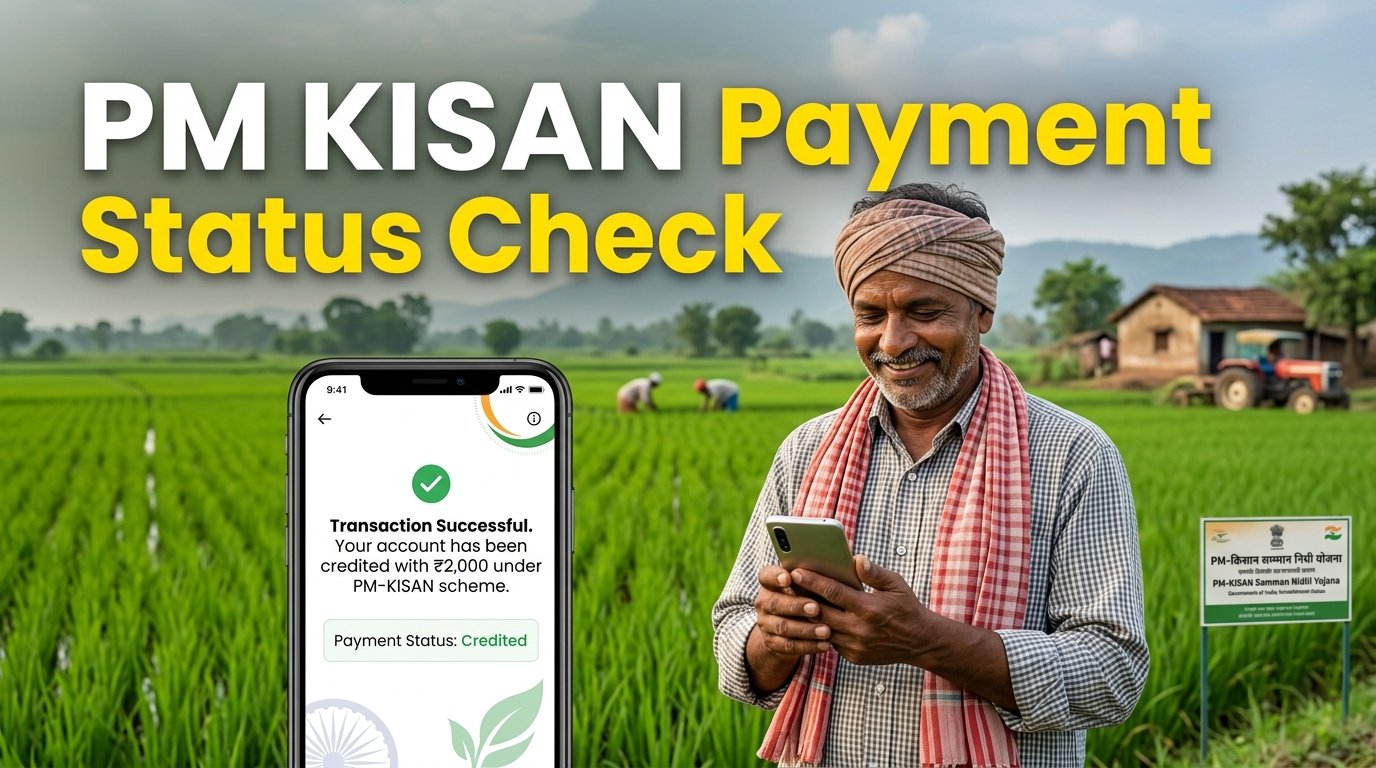
If you are a PM Kisan beneficiary and want to know whether your installment has reached your bank account, checking your payment status online is the easiest option. Many farmers face confusion about pending payments, rejected applications, incorrect bank details, and e-KYC verification. With Pm Kisan Status Check Balance Mobile Number, you can learn how to check your beneficiary details and payment information using your registered mobile number. In this guide, I will explain the complete process step by step, including how to check installment records, verify bank details, solve common payment problems, and understand the latest available installment information.
Quick Summary Box
| Details | Information |
|---|---|
| Scheme Name | Pradhan Mantri Kisan Samman Nidhi (PM-KISAN) |
| Benefit Amount | ₹6,000 per year |
| Installments | 3 installments of ₹2,000 |
| Current Installment (31 Dec 2025) | 21st installment released on 19 November 2025 |
| Next Installment | 22nd installment; release date not officially confirmed as of 31 December 2025 |
| e-KYC Requirement | Mandatory |
| Payment Mode | Direct Benefit Transfer (DBT) |
| Official Website | https://pmkisan.gov.in/ |
| Required Documents | Aadhaar, bank details, land records, registered mobile number |
| Official Helpline | 155261 / 011-24300606 |
Important: PM-KISAN provides payment and transaction information through its official portal. Checking the payment status does not always show your complete bank account balance. For the actual available balance, use your bank’s official mobile banking service, ATM, passbook, or banking correspondent.
Recommended:PM Kisan 22th Installment Date 2026 List: Full Guide
PM Kisan Eligibility: Who Can Apply?
PM-KISAN is designed to provide financial support to eligible landholding farmer families. However, not every person who works in agriculture automatically qualifies for the scheme.
Who Is Eligible?
A farmer family may qualify if it meets the following conditions:
Indian Citizenship: The applicant must belong to an eligible farmer family in India.
Land Ownership: The family must have cultivable agricultural land recorded in the relevant State or UT land records.
Small and Marginal Farmers: Traditionally, small farmers have up to 2 hectares of cultivable land, while marginal farmers have up to 1 hectare.
Age Limit: PM-KISAN does not prescribe a minimum or maximum age limit for eligible landholding farmer families. This is different from certain farmer pension schemes.
One Benefit Per Family: Only one eligible farmer family can receive ₹6,000 annually. A family is generally defined as husband, wife, and minor children.
Land Records: The applicant’s land ownership details must be verified and recorded in the PM-KISAN portal.
Note: The scheme was initially introduced for small and marginal farmers but was later extended to all eligible landholding farmer families, subject to the exclusion conditions.
Who Is NOT Eligible?
The following categories are generally excluded:
Income Tax Payers: Anyone who paid income tax in the last assessment year, including an eligible family member, is excluded.
Government Employees: Serving or retired government officers and employees, including regular local body employees, are generally excluded. MTS, Class IV and Group D employees are exceptions.
Professionals: Practising registered professionals such as doctors, engineers, lawyers, chartered accountants and architects are excluded.
Institutional Landholders: Institutions that own agricultural land cannot receive benefits.
Constitutional Post Holders: Former and present holders of specified constitutional posts and certain elected representatives are excluded.
Higher Pension Category: Certain retired government employees receiving a monthly pension of ₹10,000 or more are excluded, subject to scheme exceptions.
Always check your individual eligibility before registering.
Required Documents for PM Kisan Status Check
Before checking your beneficiary information or completing registration-related verification, keep these documents ready.
| Document | Why It Is Needed |
|---|---|
| Aadhaar Card | Identity verification and e-KYC |
| Aadhaar-linked Mobile Number | Receiving OTP for online authentication |
| Bank Passbook | Checking account details and payment information |
| DBT-enabled Bank Account | Receiving installment payments |
| Land Records (Khasra/Khatauni) | Verifying agricultural land ownership |
| Registered Mobile Number | OTP and scheme-related communication |
| Passport Size Photo | Useful for registration and local verification |
Why is Aadhaar-Mobile linking important?
Aadhaar authentication is mandatory for PM-KISAN beneficiaries. If you want to complete OTP-based e-KYC, your Aadhaar-linked mobile number must be active to receive the verification code.
If your mobile number is not linked with Aadhaar, you can visit an authorised CSC (Common Service Centre) for biometric e-KYC. Therefore, a mobile number linked with Aadhaar is necessary for the OTP method, although biometric verification provides an alternative.
Also, make sure your bank account is Aadhaar-seeded and enabled for DBT payments.
Step-by-Step Guide: Pm Kisan Status Check Balance Mobile Number
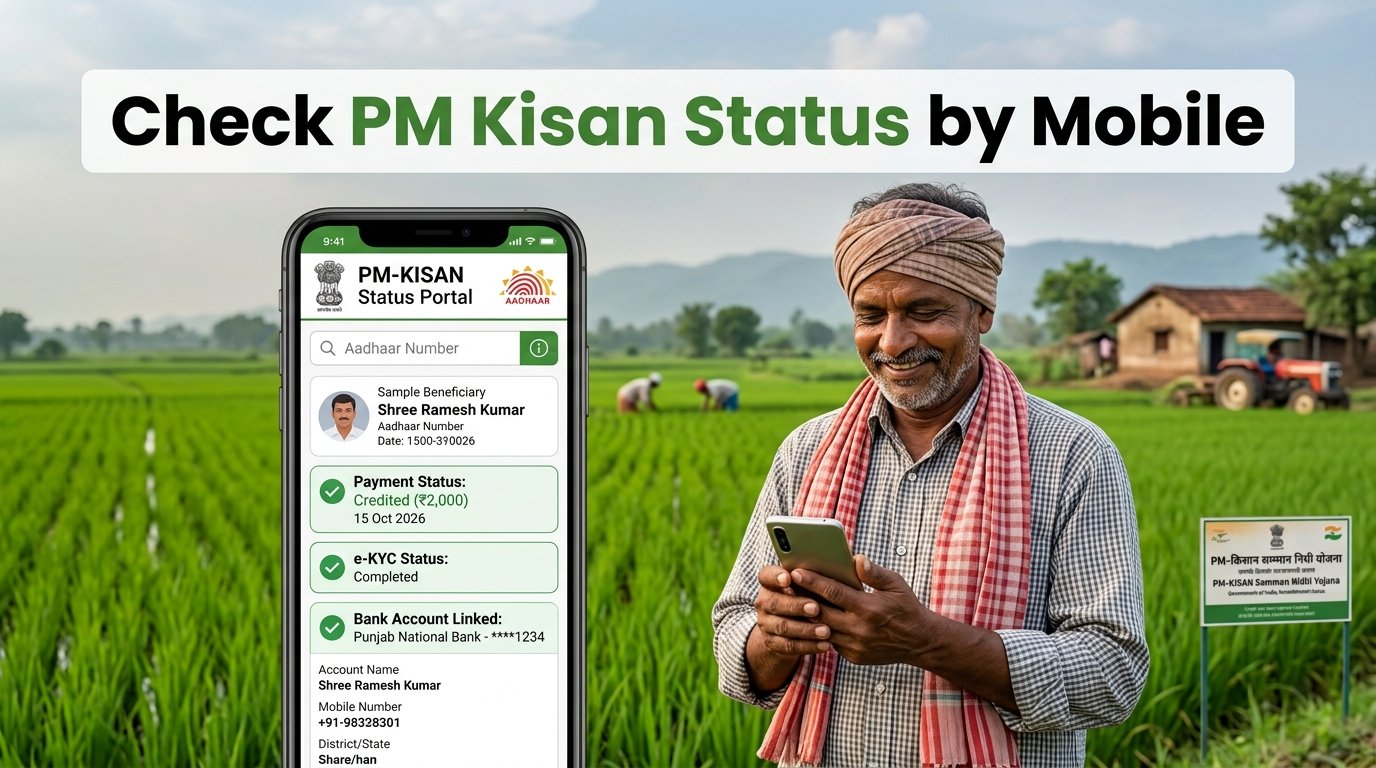
Farmers can check their registration and installment information online without repeatedly visiting government offices. Follow these steps carefully.
Step 1: Visit the Official PM-KISAN Website
First, open your mobile browser and visit the official website:
Make sure you are visiting the genuine government website. Avoid clicking unknown links received through WhatsApp, SMS, or social media.
Tip: Use Chrome or another updated browser and a stable internet connection to avoid loading problems.
Step 2: Open the Farmers Corner Section
After opening the homepage, find the Farmers Corner section. This section provides different facilities for registered farmers, including beneficiary information, new registration, e-KYC and other services.
Look for the Beneficiary Status or Know Your Status option. The portal interface may change occasionally, so follow the option currently displayed.
Step 3: Select the Beneficiary Status Option
Click on Beneficiary Status to access your registration and payment details.
Depending on the available portal interface, you may be asked to provide your registration number or other permitted identification information.
If you do not remember your registration number, use the Know Your Registration Number facility where available.
Tip: Enter your details carefully. Even a small typing mistake can prevent the portal from finding your record.
Step 4: Enter Your Registered Mobile Number
If the available status-search option supports mobile number verification, enter the mobile number registered with your PM-KISAN account.
For the newer Know Your Status facility, you may need your registration number first. An OTP is then sent to your registered mobile number.
Enter the OTP in the required field and complete the verification process.
Tip: Keep your mobile phone nearby. Never share your OTP with another person, agent or unknown caller.
Step 5: Check Your Beneficiary Information
After successful verification, your beneficiary information should appear on the screen.
Carefully check the following details:
Farmer’s name
Registration number
Aadhaar authentication status
e-KYC status
Land seeding information
Bank account details
Payment status
If any information is incorrect, contact your local agriculture office or authorised CSC to understand the correction process.
Step 6: Check Your Installment Payment Status
Now look for the payment-related information.
The portal’s payment details may show:
Payment Status
Bank Name
UTR Number
Payment Mode
Account Credited
Credited On
If the payment is successful, check the credited date and transaction information.
A UTR number is a useful transaction reference that can help your bank trace a payment if the amount is not visible in your account.
Step 7: Verify Your Actual Bank Balance
Remember that checking PM-KISAN payment status and checking your actual bank balance are two different things.
If the portal shows that ₹2,000 has been credited, but you cannot see the money in your account, follow these steps:
Open your bank’s official mobile banking application.
Check your latest account statement or transaction history.
Visit an ATM or banking correspondent if you cannot use mobile banking.
Check your bank passbook for the latest credit entry.
Contact your bank with the UTR number if the payment cannot be located.
This is the most reliable way to confirm whether the installment has actually reached your bank account.
Step 8: Complete e-KYC If Required
If your e-KYC status shows pending or incomplete, complete the verification as soon as possible.
You can use the OTP-based facility on the official portal, biometric authentication through an authorised CSC, or supported face-authentication facilities through the PM-KISAN mobile application.
After completing e-KYC, revisit your beneficiary status to confirm that the verification has been updated.
Following these steps makes Pm Kisan Status Check Balance Mobile Number easier and helps you identify whether your payment is credited, pending or facing a verification issue.
Common PM Kisan Problems & Their Solutions
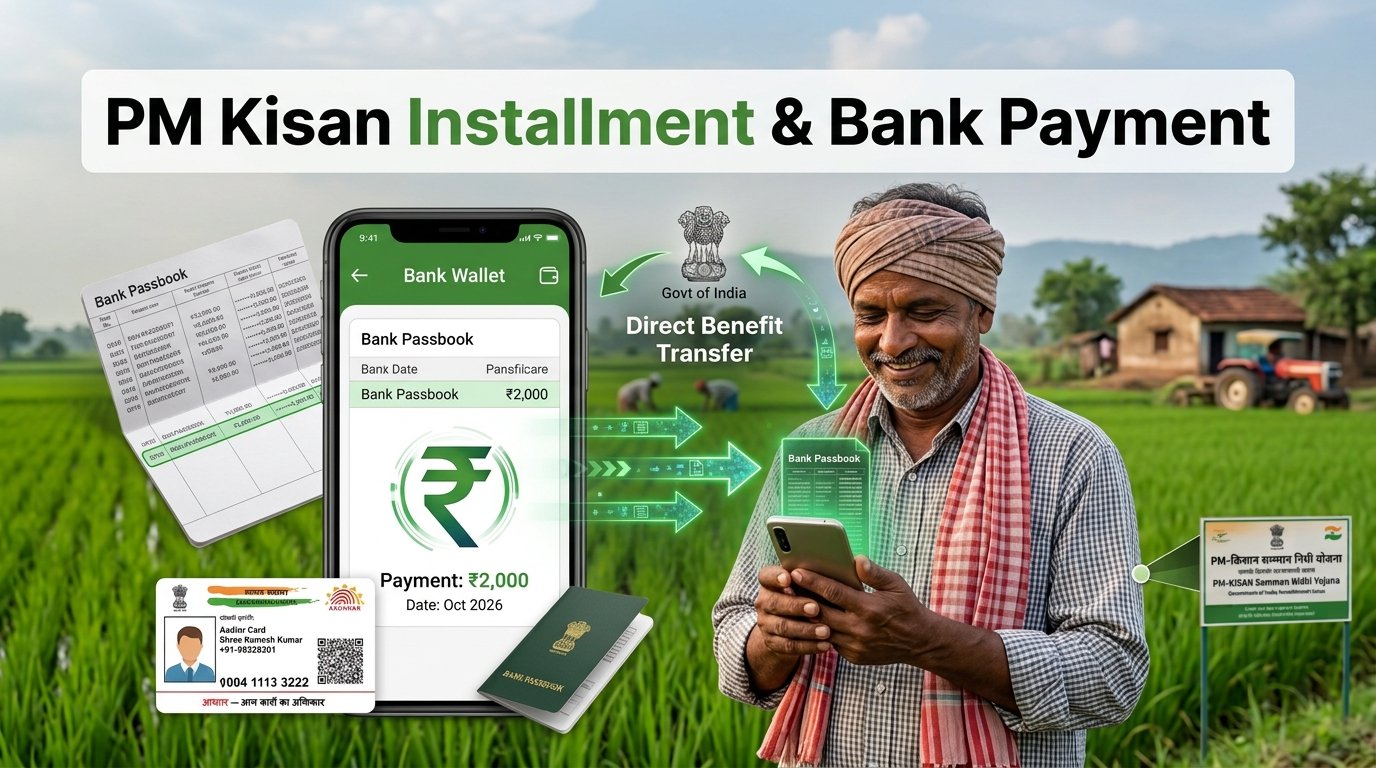
Sometimes farmers complete all the required steps but still do not receive their installments. Here are five common problems and practical solutions.
1. Payment Status Shows Pending
Reason: The payment may still be under processing or awaiting approval.
Solution: Check your latest beneficiary status and wait for the official payment update. If the issue continues, contact your district agriculture office.
2. e-KYC Shows Incomplete
Reason: Aadhaar authentication has not been completed successfully.
Solution: Complete OTP-based or biometric e-KYC through the authorised facilities. Recheck your status after verification.
3. Bank Account Details Are Incorrect
Reason: Your account number, IFSC code or Aadhaar seeding information may be incorrect.
Solution: Visit your bank branch with your Aadhaar card and passbook. Ask the bank to verify Aadhaar seeding and DBT mapping.
4. Mobile Number Is Not Receiving OTP
Reason: Your registered mobile number may be inactive, incorrect or not linked with Aadhaar.
Solution: Check your Aadhaar-linked mobile number and update incorrect registration details through the authorised process. Alternatively, complete biometric e-KYC at a CSC.
5. Installment Is Not Showing in Your Bank Account
Reason: There may be a bank processing delay, payment rejection or account-mapping problem.
Solution: Check the payment status and UTR number on the portal. Contact your bank with the transaction reference and request payment tracing.
Frequently Asked Questions (FAQs)
1. How can I use Pm Kisan Status Check Balance Mobile Number?
Visit the official PM-KISAN website and open the available beneficiary status facility. Depending on the portal option, enter your registration number or permitted details and complete OTP verification to view your payment information.
2. Can I check PM Kisan balance without a registration number?
The current Know Your Status facility requires a registration number and sends an OTP to the registered mobile number. You can use the registration number recovery facility if you have forgotten it.
3. How much money does a farmer receive under PM-KISAN?
An eligible farmer family receives ₹6,000 annually in three equal installments of ₹2,000 each through DBT.
4. What is the PM Kisan beneficiary status 23?
The phrase PM Kisan beneficiary status 23 generally refers to checking eligibility and payment information in connection with the 23rd installment. However, as of 31 December 2025, only the 21st installment had been released. The 23rd installment was not yet due or officially announced at that cutoff date.
5. What should I do if my PM Kisan payment fails?
First, check your payment status, bank details, Aadhaar seeding and e-KYC information. If the portal shows a failed transaction, contact your bank and local agriculture office for assistance.
Related Government Schemes for Farmers
Besides PM-KISAN, eligible farmers can explore these government schemes:
Pradhan Mantri Fasal Bima Yojana (PMFBY): Provides crop insurance protection against specified natural risks and crop losses.
Kisan Credit Card (KCC): Helps eligible farmers access short-term agricultural credit for farming and related activities.
Pradhan Mantri Kisan Maandhan Yojana (PM-KMY): A voluntary pension scheme for eligible small and marginal farmers aged 18–40 years, offering a monthly pension of ₹3,000 after reaching 60 years, subject to conditions.
These schemes have different eligibility requirements, benefits and application procedures.
Join Our Telegram or WhatsApp Group
Want to receive the latest PM-KISAN installment updates, beneficiary information and government scheme news?
Join our Telegram or WhatsApp group to stay informed about:
Latest installment announcements
Beneficiary list updates
e-KYC and Aadhaar verification news
Payment-related information
New government welfare schemes
Stay connected and never miss an important update!
Important Disclaimer
This article is an independent informational guide and is not an official government publication. We are not affiliated with the Ministry of Agriculture or the PM-KISAN department.
For authentic information, always visit the official website: https://pmkisan.gov.in/
Never share your Aadhaar number, bank details, OTP, PIN or password with unknown individuals. Use only authorised government services for verification and registration.
Conclusion
Checking your PM-KISAN payment information is now easier with online services. By following the Pm Kisan Status Check Balance Mobile Number process, farmers can verify their beneficiary details, check installment records, confirm e-KYC and identify possible payment problems.
Always make sure your Aadhaar information, bank account and land records are correct. Complete mandatory e-KYC and verify that your bank account is enabled for DBT payments.
If you are searching for Pm Kisan Status Check Balance Mobile Number, bookmark this guide so you can follow the steps whenever necessary. Share this article with other farmers who may need help checking their payments.